Local AI Inference Servers Compared: Ollama, LM Studio, and the Rest
How the main local inference tools actually differ, what hardware really limits you, and when running models locally beats calling a hosted API.

Jump to 6 sections
Quick answer: Local inference servers let you run open-weight models on your own hardware instead of calling a hosted API. The main options — Ollama, LM Studio, and a handful of lower-level serving engines — differ mainly in how much setup friction they trade for control, not in the underlying models they can run, which mostly overlap.
This comparison covers what each tool actually does differently, what hardware realistically limits you, and when running locally makes sense against just calling an API. It's for developers and hobbyists evaluating local inference, not for anyone deciding between hosted API providers.
What Actually Differs Between the Tools
Ollama, LM Studio, and lower-level serving engines all ultimately run open-weight models through similar underlying inference code, often built on the same core libraries. What differs is the layer on top: how models are downloaded and managed, what interface you interact with, and how much low-level control you have over serving parameters.
Ollama is command-line first, with a simple model-pull-and-run workflow and a lightweight local API server that mimics a hosted API's request format, which makes it easy to swap into existing code built for a hosted provider.
LM Studio is GUI-first, aimed at users who want a chat interface and model browser without touching a terminal, while still exposing an OpenAI-compatible local server for developers who want to call it from code.
Lower-level serving engines expose far more configuration — batching behavior, quantization format, context length tuning, multi-GPU splitting — at the cost of a steeper setup process and more manual configuration to get a model running well.
At The Model Drop, we've run the same models across all three categories, and the actual generated output is largely identical for a given model and quantization level — the choice between tools is really a choice about workflow and control, not about output quality.
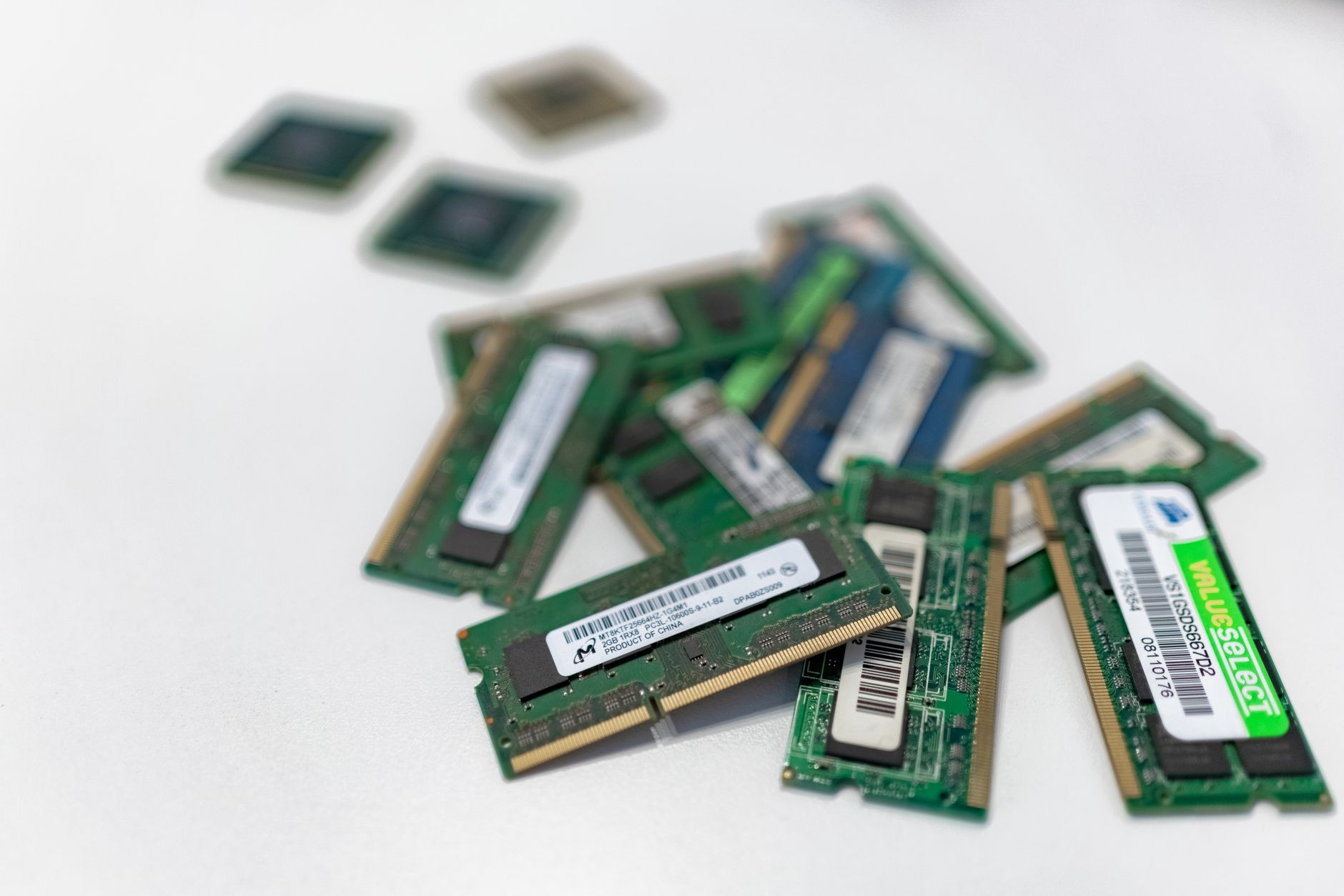
Hardware Is the Real Constraint
Across every tool, the binding constraint on what you can run is almost always VRAM (on a discrete GPU) or unified memory (on Apple Silicon), not raw processor speed. A model needs to fit — in some quantized form — into available memory to run at usable speed; once it doesn't fit, inference either fails outright or falls back to much slower CPU-offloaded execution.
Quantization is the main lever for fitting a larger model into limited memory. Reducing a model's weights from their original precision to a lower-bit representation shrinks memory footprint substantially, with a quality tradeoff that's often small at moderate quantization levels and more noticeable at aggressive ones. In our own testing, a model quantized to a moderate level is frequently indistinguishable from its full-precision version on everyday tasks, while heavy quantization starts showing up as more frequent small errors on tasks requiring precise reasoning.
Consumer GPUs with 16-24GB of VRAM can comfortably run smaller and mid-sized open-weight models at reasonable quantization. Running the largest open-weight models at high quality generally requires either multiple GPUs, a workstation-class card with substantially more VRAM, or accepting more aggressive quantization.
When Local Inference Actually Makes Sense
- Privacy-sensitive workloads where data can't leave your own infrastructure — legal, healthcare, or proprietary code review are common cases.
- High-volume, steady workloads where the fixed cost of hardware pays for itself against ongoing per-token API charges, though this crossover point depends heavily on usage volume and hardware cost.
- Offline or air-gapped environments where network access to a hosted API isn't available or isn't permitted.
- Experimentation and fine-tuning where direct model access and control matter more than raw capability.
Where local inference doesn't make sense: any task where you need frontier-level capability, since the best hosted models still meaningfully outperform the best openly available models on the hardest reasoning and coding tasks. Our open-weight vs. closed models piece covers that capability gap in more depth, and it's worth reading before assuming local inference can substitute for a frontier hosted model on a genuinely hard task.

Comparing the Options
| Tool | Interface | Setup friction | Configurability | Best fit |
|---|---|---|---|---|
| Ollama | Command-line + local API | Low | Moderate | Developers wanting quick local API-compatible serving |
| LM Studio | GUI + local API | Low | Low-moderate | Non-technical users, quick experimentation |
| Lower-level serving engines | Config files + API | High | High | Production self-hosting, fine-grained tuning |
If self-hosting is on the table for a production workload rather than just personal experimentation, it's worth reading our broader self-hosting vs. API inference comparison, which covers the full cost and operational tradeoff beyond just which local tool to use. And if GPU cost is the deciding factor rather than running locally on personal hardware, our GPU cloud platforms roundup covers the middle ground between a hosted API and buying your own hardware outright.
The quantization tradeoffs discussed here draw on active research; work on efficient low-bit neural network inference is regularly published through arXiv's machine learning listings, and independent hardware benchmarking outlets like Tom's Hardware have published consumer-GPU inference benchmarks that are a useful reality check against a tool's own marketing claims about what a given card can run.
Getting Started Without Wasting an Afternoon
For anyone trying local inference for the first time, the fastest path to a working setup is usually Ollama or LM Studio rather than a lower-level serving engine, even if you expect to eventually need more control. Both handle model download, quantization selection, and basic serving configuration automatically, which sidesteps most of the early setup mistakes we see people run into.
The most common first mistake is picking a model too large for available memory and assuming a crash or extreme slowdown means the tool is broken, when it usually means the model simply doesn't fit. Checking a model's stated memory requirements at your intended quantization level before downloading it saves the most common source of first-time frustration. The second most common mistake is comparing a locally run model's output quality directly against a frontier hosted model and concluding local inference "doesn't work" — a fairer comparison is against a similarly sized model from the same family, since the capability gap between a small local model and a large frontier model is expected, not a sign of a broken setup.
The Bottom Line
Pick a local inference tool based on workflow fit, not capability — Ollama, LM Studio, and lower-level serving engines mostly run the same models with the same output quality, differing in setup friction and configurability rather than what you can actually get out of them. Before committing to local inference for a production use case, confirm your hardware can comfortably fit the model and quantization level you actually need, and weigh that against whether the task genuinely requires the privacy or offline benefits local inference provides over a hosted API.
The Model Drop tests local and hosted inference options against the same real workloads to see where each one actually holds up.